
 InspectionsWalk, talk, report
SiteVoice
Walk the site, talk and take photos. SiteVoice puts your voice notes and photos on one timeline, drafts a punch list by severity, and builds a branded PDF report with signatures.
What you can do
The main things SiteVoice does, in plain words.
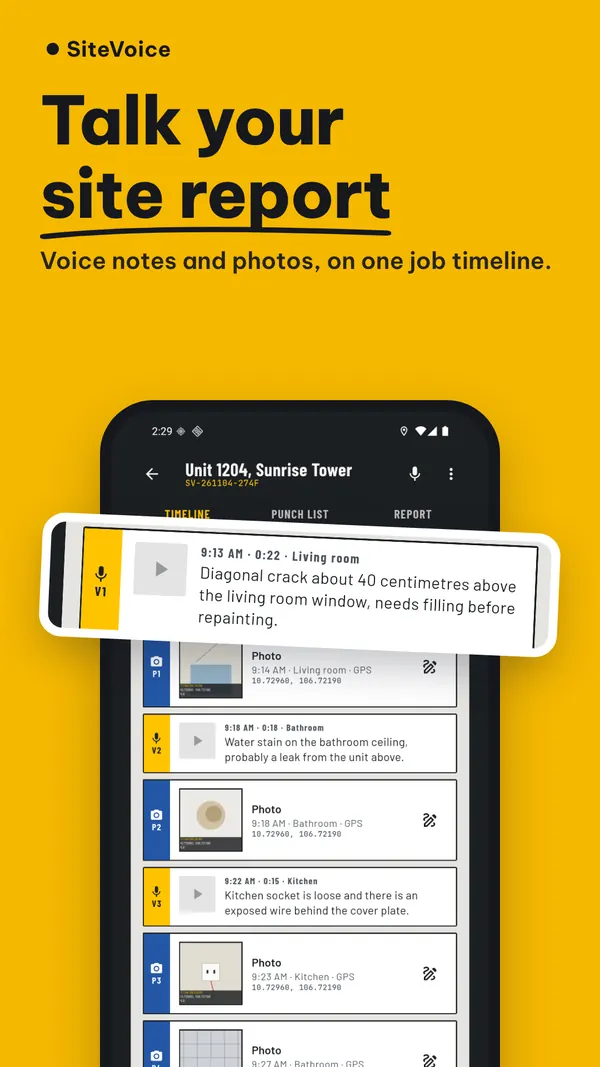
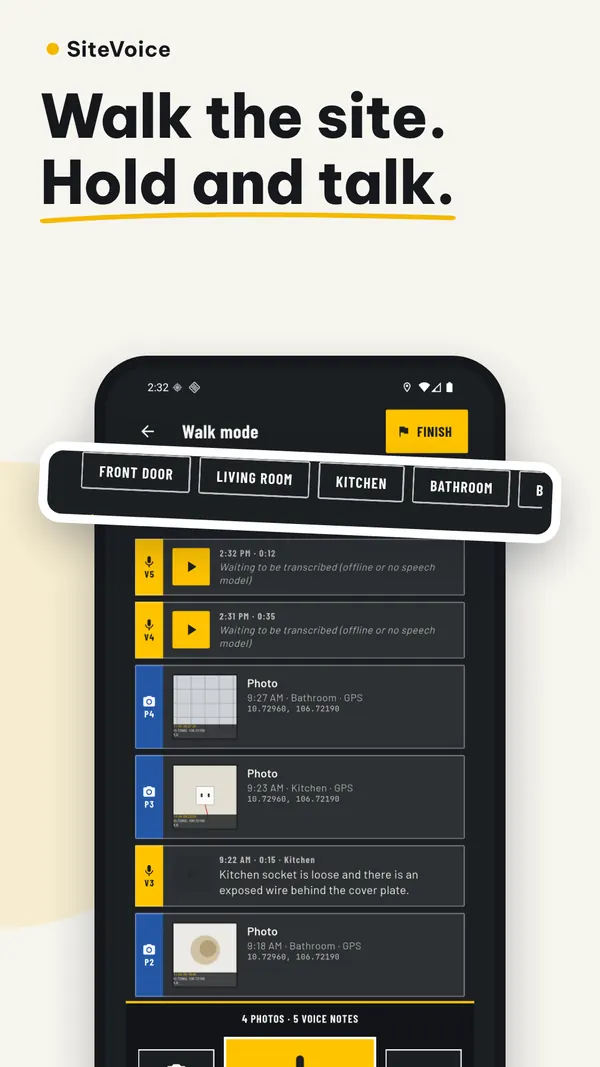
Voice notes and photos on one timeline
Hold to talk about a photo, or record the whole walk with the screen off.
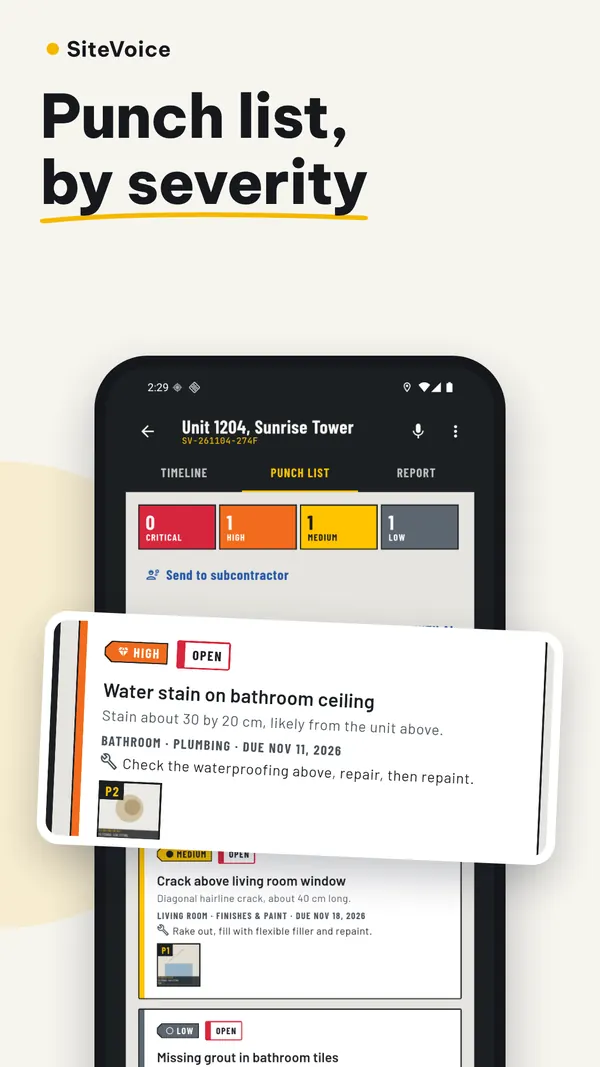
Punch list by severity
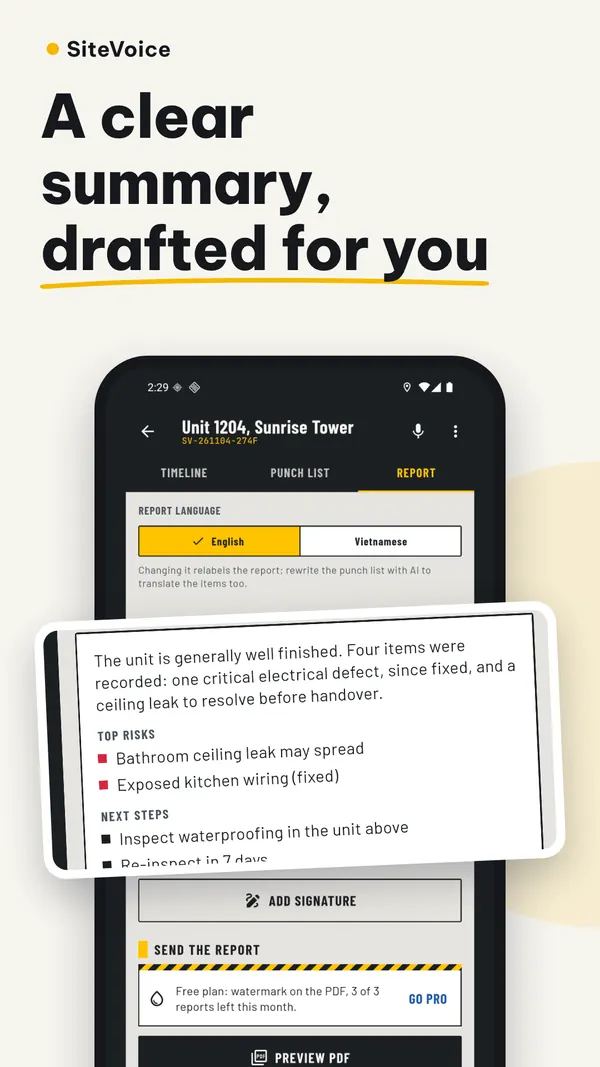
AI drafts findings from your notes; you review and edit before the report.
Transcription without signal
Download the speech model once and transcribe on the phone, offline.
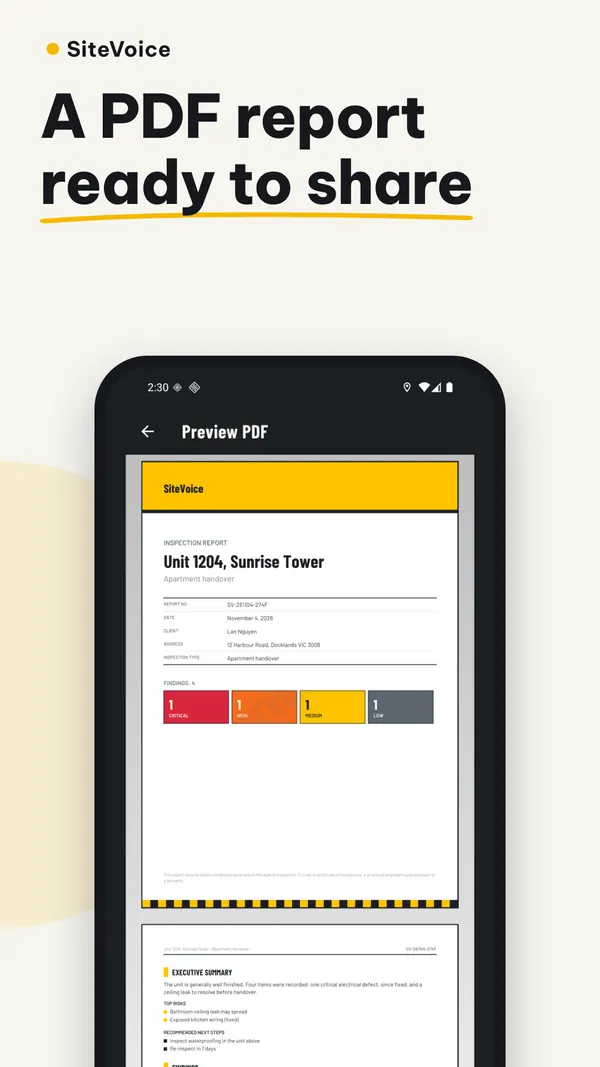
Branded PDF with signatures
Your logo, findings, photos and signatures in a report you can share right away.
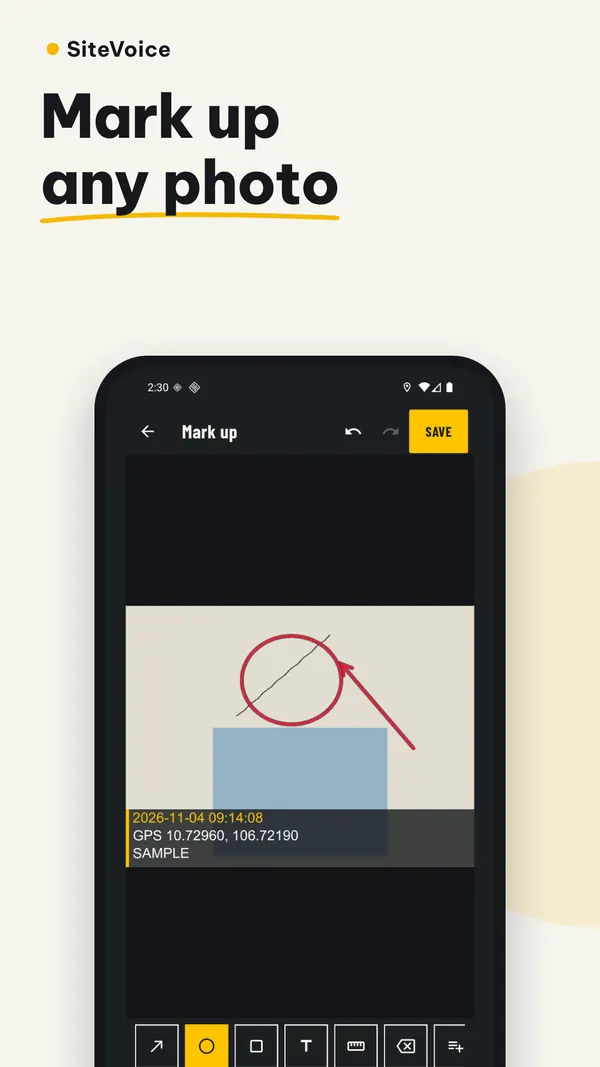
Mark up photos
Draw arrows and notes on photos; faces are blurred on export.
Templates and site diary
13 inspection templates, a safety log and a daily diary.
Inside the app
Screens from the current Android version.
Your data, in plain words
There is no account and your data stays on your phone unless you use a feature that needs the internet. The free Android app shows Google AdMob ads; Pro removes them.
Questions, answered
Something else? Email fighttech.vn@gmail.com.
Do I need an account?
No. Jobs, photos, voice notes and reports are stored on your phone, with no cloud sync.
Does it work offline?
Yes. With the downloadable speech model, notes are transcribed on the phone, and a draft punch list is made on the phone when there is no signal. Cloud AI features use credits or your own API key.
Are my reports uploaded?
No. Reports and files leave the phone only when you send them through the share sheet to the app or person you choose.
Are there ads?
The free Android app shows Google AdMob ads. There are none while you have Pro, after you buy a credit pack, or during a 30-minute Pro window unlocked by a rewarded ad.
Try SiteVoice
SiteVoice: Inspection Reports is free to download on Google Play for Android.